🔍 WorthSnag’s commitment to transparency: We only recommend products we’ve researched through verified customer reviews, return rate analysis, and brand reputation checks. No paid placements. Our picks are based on real buyer feedback, not commissions.
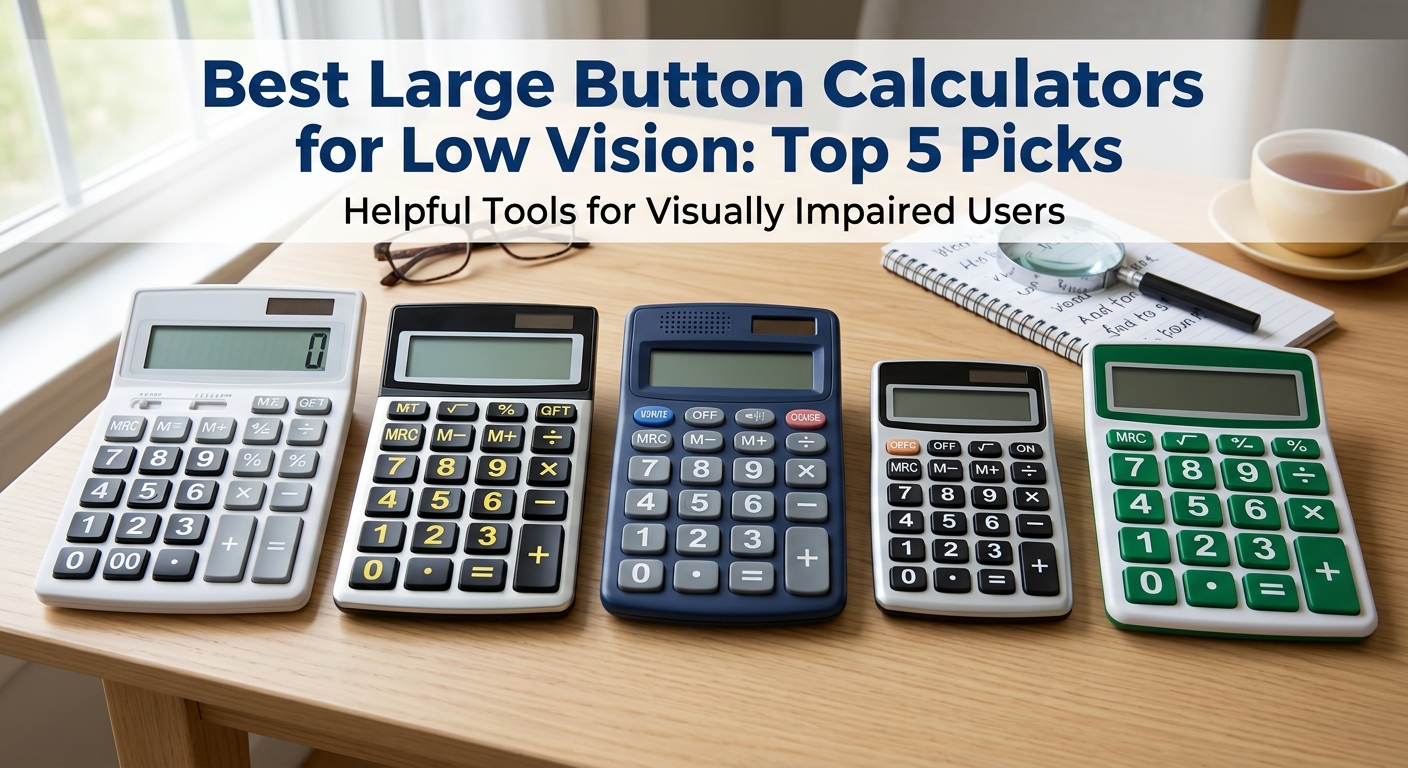
🧮 A large button calculator for low vision is a calculator built with oversized keys, a magnified display, or spoken audio feedback, so basic math for bills, budgeting, or a checkbook doesn’t depend on seeing tiny standard-size numbers clearly.
🧮 Part of our Home & Kitchen series. Explore more top-rated low vision and adaptive daily living finds, including our guides to needle threaders for arthritis and low vision and book holders and page turners for arthritis and limited mobility.
🧮 Ready for easier math? Shop the best large button calculators on Amazon →
A standard calculator crams a dozen tiny buttons and an even tinier display into a device the size of a credit card, which is fine until reading that display becomes the actual challenge, not the math itself. Balancing a checkbook, splitting a bill, or double-checking a bank statement shouldn’t require squinting at numbers a fraction of an inch tall.
A large button calculator fixes the physical side of this — bigger keys, a bigger screen, sometimes a display that tilts up for a better viewing angle. A talking calculator goes a step further, announcing each number pressed and every result out loud, removing the need to read the display at all.
Here’s what I’m covering below:
- Five calculators worth buying, and where jumbo-button versus talking models actually differ
- Who else benefits from these beyond low vision specifically
- What to check before buying, since “large print” gets used loosely on a lot of listings
I went through reviews from low vision and blindness community forums, plus product pages from specialty retailers that build specifically for this audience, to see which calculators actually held up for daily use rather than just looking accessible in a product photo. Here’s what stood out. 👇
Quick Comparison: Best Large Button Calculators for Low Vision
| Pick | Best For | Type | Price |
|---|---|---|---|
| Reizen 12-Digit Jumbo Talking Calculator | Best Overall | Jumbo buttons, talking, tilting display | ~$20–$30 |
| DoubleCheck XL Talking Low Vision Calculator | Best for Commercial/Financial Math | Talking, extra-large 1″ display digits | ~$25–$35 |
| Victor 6700 Large Desktop Calculator | Best Non-Talking Jumbo Option | 16-digit large LCD, no voice | ~$25–$35 |
| Casio MS-80B Large Display Calculator | Best Budget Pick | Large display, standard buttons | ~$10–$15 |
| Lily’s Home Jumbo 12-Digit Calculator | Best Solar-Powered Option | Large buttons, dual solar/battery | ~$12–$18 |
Jumbo Button vs. Talking: Two Ways to Solve This
These calculators solve the low-vision problem in two genuinely different ways, and it’s worth knowing which one actually fits your situation:
- Jumbo button calculators simply scale everything up — bigger keys spaced further apart, a larger display, sometimes higher-contrast printing on the buttons themselves. This helps if reduced visual acuity or reduced fine motor control (not needing to hit a tiny key precisely) is the main issue.
- Talking calculators add spoken audio feedback for every key press and every result, which helps independent of how large the display is, since you’re not relying on reading the screen at all. This matters more for significant vision loss where even a large display isn’t fully reliable.
Several models, like the Reizen and DoubleCheck, combine both approaches rather than relying on just one.
The 5 Best Large Button Calculators for Low Vision
1. Reizen 12-Digit Jumbo Talking Calculator — Best Overall
Price: Around $20–$30 | Type: Jumbo buttons, talking, tilting display | Display: 7/8-inch high numbers
This is the one that keeps coming up as the go-to recommendation across low vision community forums, and the combination of features explains why — 1.5-inch wide keys, a display that physically tilts up for a better viewing angle, and voice announcement of every entry and result. Adjustable volume means it works whether you want it quiet or clearly audible.
Why it’s a top pick: Combines oversized buttons with voice feedback rather than making you choose one accessibility feature over the other. Best for: Anyone who wants both larger buttons and audio confirmation in a single device. Check price on Amazon →
2. DoubleCheck XL Talking Low Vision Calculator — Best for Commercial/Financial Math
Price: Around $25–$35 | Type: Talking, extra-large display digits | Extras: Currency conversion, compound interest functions
Beyond basic arithmetic, this one handles currency conversion and compound interest calculations, which matters if your math goes beyond simple addition into actual financial planning or small business use. The 1-inch display digits are genuinely large, and every entry and result is spoken aloud.
Why it’s a top pick: More advanced financial functions than a basic jumbo calculator, without sacrificing accessibility. Best for: Anyone doing more than simple arithmetic — budgeting, currency conversion, or basic financial calculations. Check price on Amazon →
3. Victor 6700 Large Desktop Calculator — Best Non-Talking Jumbo Option
Price: Around $25–$35 | Type: 16-digit large LCD, no voice | Extras: Angled display
Not everyone wants or needs audio feedback — some people find a talking calculator distracting, especially in a shared office or quiet room. This one skips the voice function entirely and focuses purely on a large, angled LCD and bigger buttons, which is the better fit if visual magnification alone solves your problem.
Why it’s a top pick: A purely visual accessibility solution for anyone who doesn’t want or need spoken feedback. Best for: Office or shared-space use where a talking calculator would be disruptive. Check price on Amazon →
4. Casio MS-80B Large Display Calculator — Best Budget Pick
Price: Around $10–$15 | Type: Large display, standard-size buttons | Extras: Tax and currency tools
The most affordable option on this list, and a reasonable one if your main issue is reading the display rather than pressing small buttons. It’s not marketed specifically as an accessibility product, which also means it doesn’t carry any price premium for that positioning.
Why it’s a top pick: A mainstream, well-reviewed calculator that happens to have a genuinely readable large display, at a mainstream price. Best for: Anyone whose main struggle is reading a standard display, not pressing standard-size buttons. Check price on Amazon →
5. Lily’s Home Jumbo 12-Digit Calculator — Best Solar-Powered Option
Price: Around $12–$18 | Type: Large buttons, dual solar/battery power | Extras: Tilted display
Dual solar and battery power means you’re less likely to be caught with a dead calculator at the exact moment you need it, and the tilted display angle helps readability without needing to pick the calculator up off a desk or table.
Why it’s a top pick: Practical power redundancy that other picks on this list don’t offer. Best for: Anyone who wants one less battery to remember to replace. Check price on Amazon →
Who Else Benefits From a Large Button Calculator
Low vision brings most people here, but the same features help a few other situations:
- Arthritis and reduced fine motor control: larger, more widely spaced buttons are easier to press accurately without accidentally hitting an adjacent key.
- Age-related vision changes: presbyopia and other common age-related vision shifts make small-print math genuinely harder well before it qualifies as a diagnosed low-vision condition.
- Cognitive conditions affecting number recognition: a larger, clearer display can reduce the mental effort of parsing digits, independent of visual acuity itself.
- Dim lighting or older eyes in general: anyone doing math in a dimly lit room, like at a nightstand or in a car, benefits from a larger, higher-contrast display regardless of an underlying condition.
How to Choose the Right Calculator
- Decide if you need talking, jumbo buttons, or both. If reading small text is the whole problem, a jumbo-button, non-talking model like the Victor is enough. If vision loss is more significant, a talking model adds a second layer of accessibility.
- Check what kind of math you actually do. Simple daily arithmetic doesn’t need the DoubleCheck’s financial functions; more involved budgeting or currency work benefits from them.
- Consider your environment. A talking calculator is great at home but can be disruptive in a shared office — a purely visual jumbo option avoids that entirely.
- Don’t assume “large print” always means the same thing. Button size, display digit height, and spacing between keys can all vary — check the actual dimensions listed rather than assuming every “large” calculator is equally accessible.
Frequently Asked Questions
What makes a calculator good for low vision specifically? A calculator designed for low vision typically combines oversized buttons spaced further apart, a larger and higher-contrast display, and sometimes spoken audio feedback for every key press and result, so the numbers don’t need to be read visually at all.
Do I need a talking calculator, or is a large display enough? It depends on the severity of vision loss. A large, high-contrast display is often enough for moderate vision changes, while more significant vision loss benefits from a talking calculator that announces entries and results independent of what can be seen on the screen.
Are talking calculators loud or distracting to use in public? Most talking calculators, including the Reizen and DoubleCheck models, have adjustable volume settings and headphone jacks, allowing private use in shared spaces like an office or classroom.
Can a large button calculator help with more than just basic arithmetic? Yes, some models, like the DoubleCheck XL, include commercial and financial functions such as currency conversion and compound interest calculations, not just simple addition and subtraction.
Is a large button calculator a good gift for someone with macular degeneration or other vision loss? Yes, particularly for anyone who’s mentioned struggling to read a standard calculator display, since it directly addresses a specific, common daily frustration around bills, budgeting, and everyday math.
Final Thoughts
Basic math shouldn’t require straining to read a display the size of a postage stamp. Any of these five large button calculators for low vision solve the same core problem in a slightly different way — bigger buttons, a bigger display, or spoken feedback — and the right pick comes down to how significant the vision change is and what kind of math you’re actually doing.
If you’re not sure how much accessibility you actually need, the Casio is a low-cost way to test whether a larger display alone solves it. If vision loss is more significant, go straight to the Reizen for both large buttons and voice feedback together.
For more resources on daily living with vision loss, the American Foundation for the Blind is a genuinely useful, non-commercial resource.
🧮 Ready for easier math? Shop the best large button calculators on Amazon →
2 thoughts on “Best Large Button Calculators for Low Vision: Top 5 Picks”